Booklet Printing: Page Counts, Paper Choices & How to Prepare Your File
Page counts in multiples of four, finished sizes, paper and cover stock, PDF setup with margins and bleed — everything you need to order a booklet that prints right.
By We Print Today · Published 2026-09-30
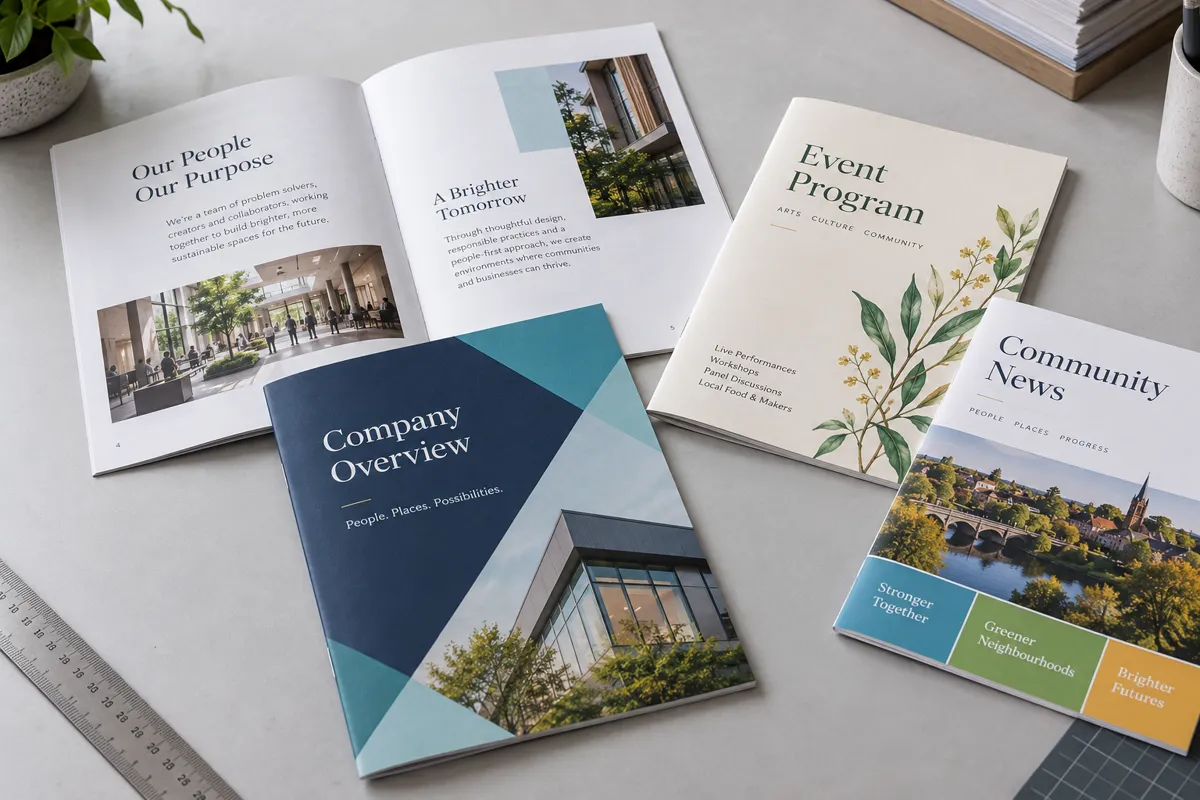
Programs, manuals, handbooks, catalogs, cookbooks — booklets are some of the most common jobs we print and bind in our Kingston shop. They're also the job where a small file-setup issue causes the most back-and-forth. This guide covers the few things that matter: page count, size, paper, and how to send the file.
Why stapled booklets need a page count divisible by four
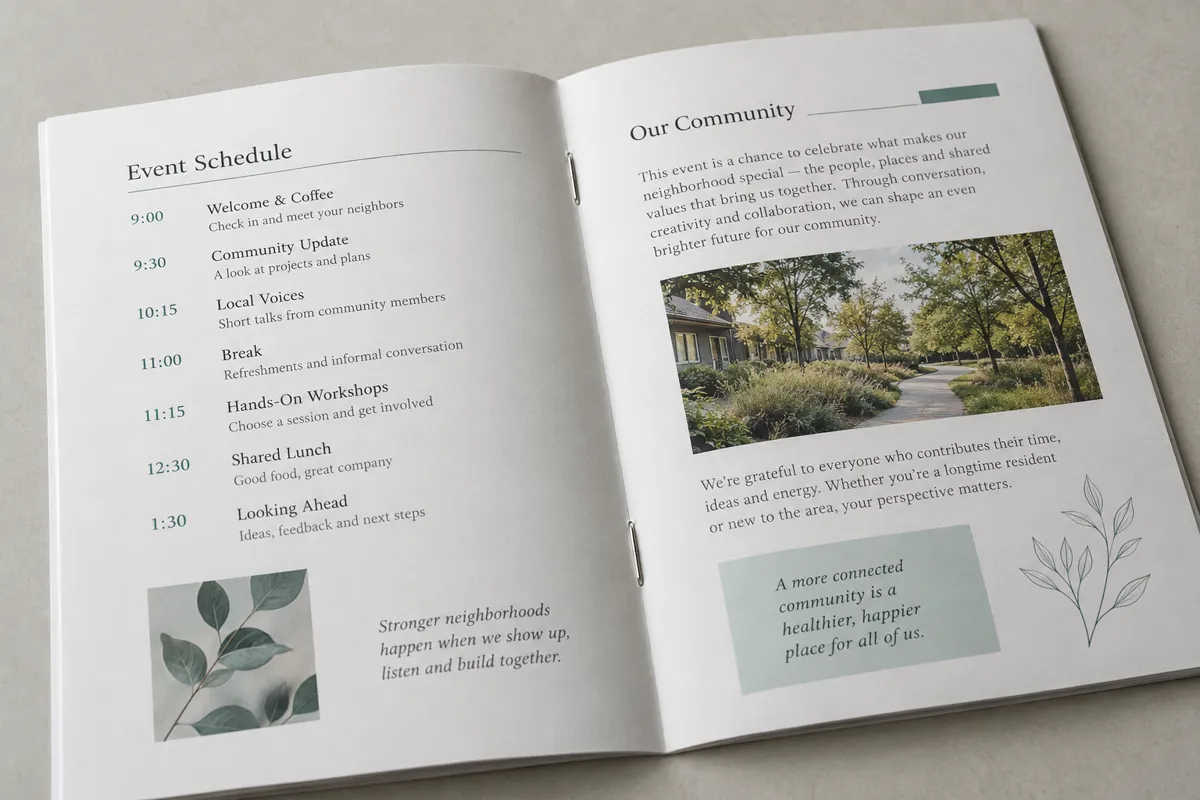
A saddle-stitched (stapled) booklet is made from sheets folded in half and stapled on the fold. Every folded sheet creates four pages — two on the front, two on the back. So the total page count, including the cover, always has to be a multiple of four.
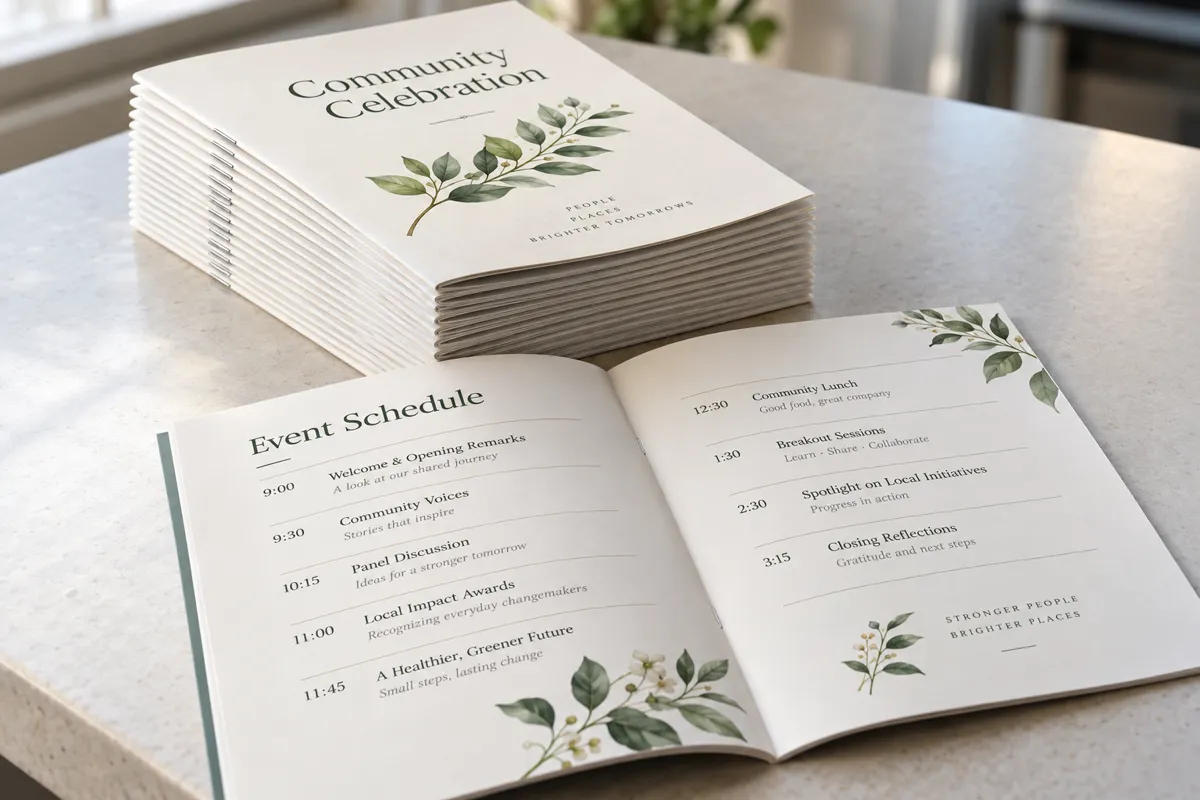
- 8 pages = 2 sheets. Cover, inside cover, 4 inside pages, inside back, back cover. Great for a simple event program.
- 12 pages = 3 sheets. Room for an agenda, bios and sponsor thank-yous.
- 16 pages = 4 sheets. A typical newsletter, small catalog or recital program.
If your document lands on 14 pages, you have two options: add two pages (notes, a sponsor page, a photo) or trim to 12. Blank pages are fine too — we'll just ask where you want them. Saddle-stitching works best up to about 80 pages; thicker books are better as spiral or GBC comb binding, which have no multiple-of-four rule because each page is a separate sheet.
Common finished sizes and how to choose
- 5.5 × 8.5 in (half-letter) — made from 8.5×11 sheets folded. The most popular and economical size for programs, church bulletins and small handbooks.
- 8.5 × 11 in (letter) — made from 11×17 sheets folded. Best for manuals, catalogs, newsletters and anything with charts or lots of text.
- Spiral or GBC bound 8.5 × 11 — for training guides, cookbooks and reference books that need to lie flat.
Rule of thumb: if people will hold it at an event, go half-letter. If they'll read it at a desk or keep it for reference, go letter size.
Paper and cover choices
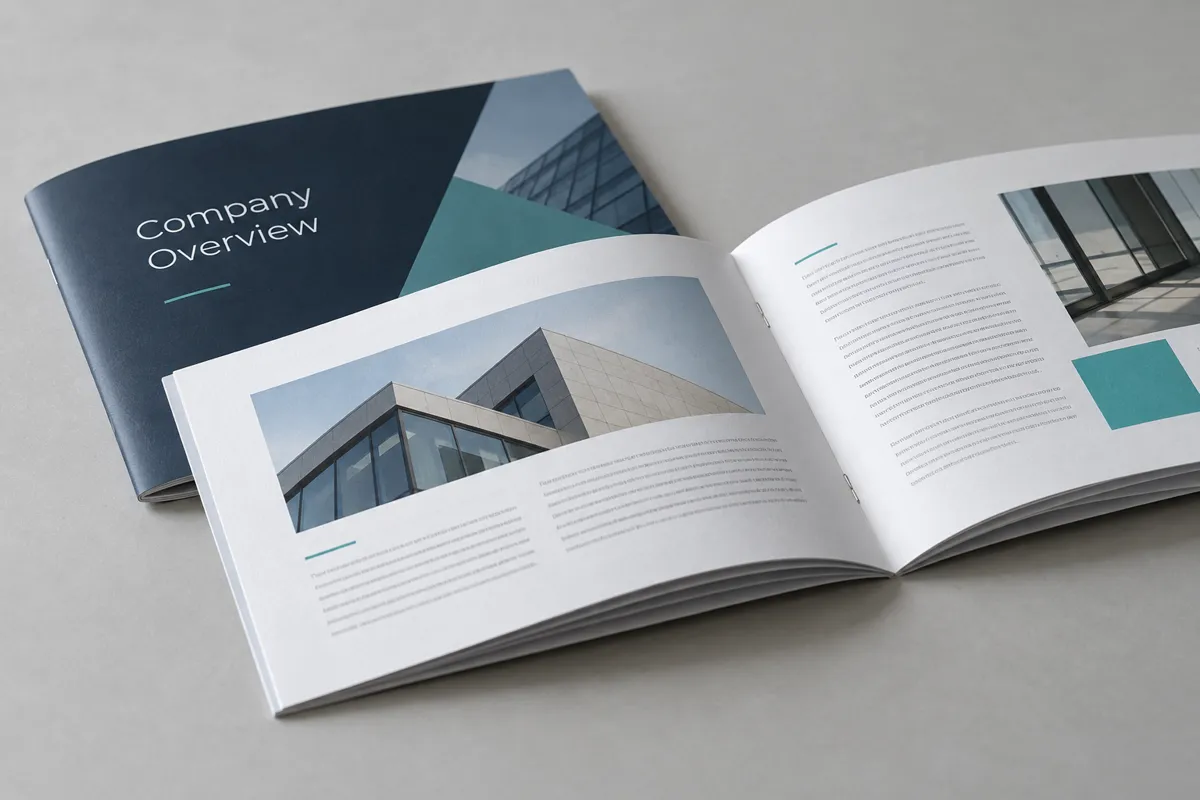
Most booklets use one of two approaches:
- Self-cover — the cover is printed on the same paper as the inside. Lighter and less expensive; perfect for programs and newsletters.
- Plus-cover — a heavier cover stock wraps a lighter interior. Feels more finished and holds up better for handbooks, catalogs and anything handled often.
For interiors, black-and-white is the budget choice for text-heavy manuals, warrant booklets and handbooks. Color makes sense for photos, catalogs and anything promotional. A common money-saver is a color cover with a black-and-white interior. Tell us what the booklet is for and we'll recommend a stock that fits your budget.
How to prepare and submit your PDF
- Send individual pages in reading order — page 1 (front cover), 2, 3, 4… through the back cover. Please don't arrange pages into printer spreads yourself; we impose them on our end so they come out in the right order.
- Set the page size to the finished size (e.g. 5.5×8.5), not the sheet size.
- Keep text at least 1/4 inch from the edges — and a little more near the spine on thicker booklets.
- Add 1/8 inch bleed if any color or photo runs to the edge of the page.
- Export as a print PDF with fonts embedded and images at 300 dpi. Designing in Canva? Our Canva printing guide walks through the exact export settings.
What affects price and turnaround
- Quantity — the per-book price drops as quantity goes up. No minimum order.
- Page count — more pages means more printing and more binding time.
- Paper — heavier and specialty stocks cost more than standard stock.
- Color vs. B&W — color interiors cost more per page than black-and-white.
- Binding — saddle-stitching starts at about $0.25 per book; spiral or GBC binding starts at about $3.50 per book.
- Deadline — most jobs ship in 1–3 business days after proof approval. Same-day service is available on many items — call or email to see what rush options fit your order.
How to order your booklets
- Check options on our booklet printing page.
- Upload your PDF on our Send a File page, or email it to info@weprinttoday.com.
- Tell us the specs: quantity, finished size, page count, paper, color or B&W, and binding style.
- Request a quote through our quote form — we'll confirm pricing and a timeline before anything prints.
- Pick up free in Kingston or have your booklets shipped by UPS anywhere in the U.S.
Want to see everything else we print — brochures, flyers, business cards and forms? Visit our commercial printing page.
Have a booklet ready to go? Send us the specs and we'll quote the printed-and-bound book. Request a booklet quote